 JK Codes
Every PDF tool. Nothing uploaded.
AllPDF.tools is 30 PDF tools that run entirely inside your browser. Merge, split, compress, convert to and from Word, Excel and PowerPoint, OCR, sign, edit, redact, protect. There is no upload step because there is no server. The Android app packs the same tools plus a camera document scanner.
The website is live. The Android app is finished and heading to Google Play. Tell me when it is live.
Open a tool, drop a file, download the result.
1. Pick a tool
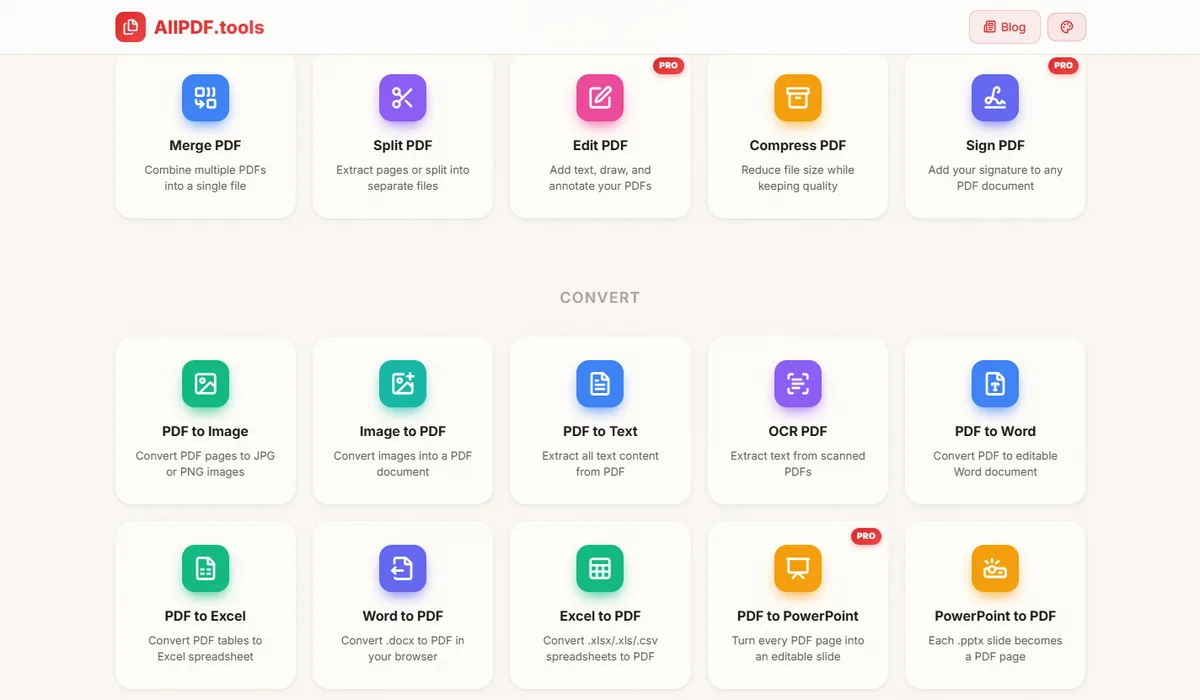
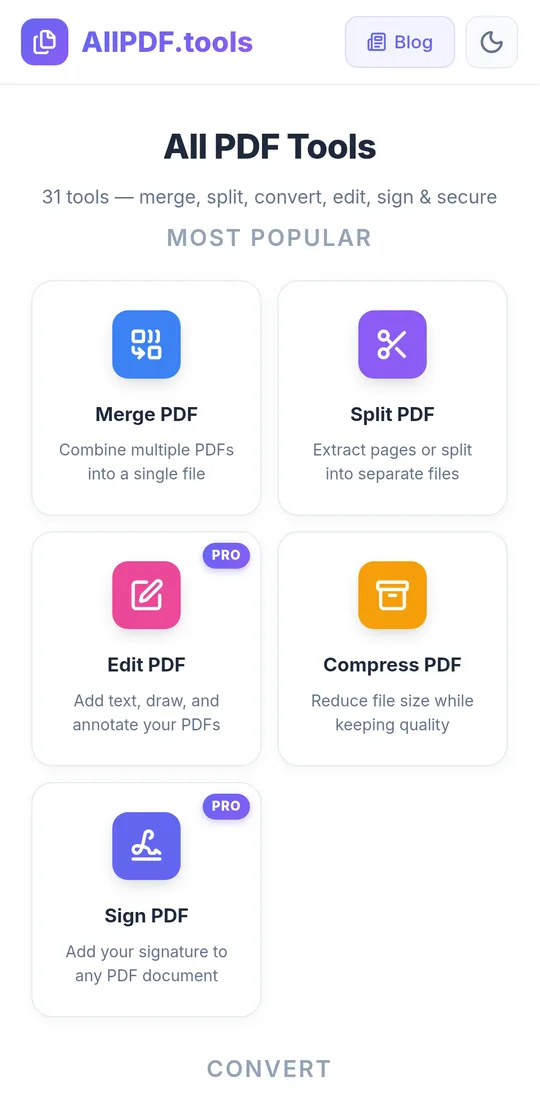
Thirty of them, grouped by job: popular, convert, organise, security, utilities. No account, no cookie wall, no daily quota.
2. Drop the file
The PDF is read by JavaScript in your tab. Turn on airplane mode first if you want to prove it: every tool keeps working.
3. Save the result
The output is built on your device and handed straight back to you. The file you started with and the file you download are the only two copies that ever existed.
The whole PDF toolbox, without the upload.
Built on open libraries such as pdf-lib, PDF.js and Tesseract.js, so the processing happens where the file already is.
Merge, split, organise
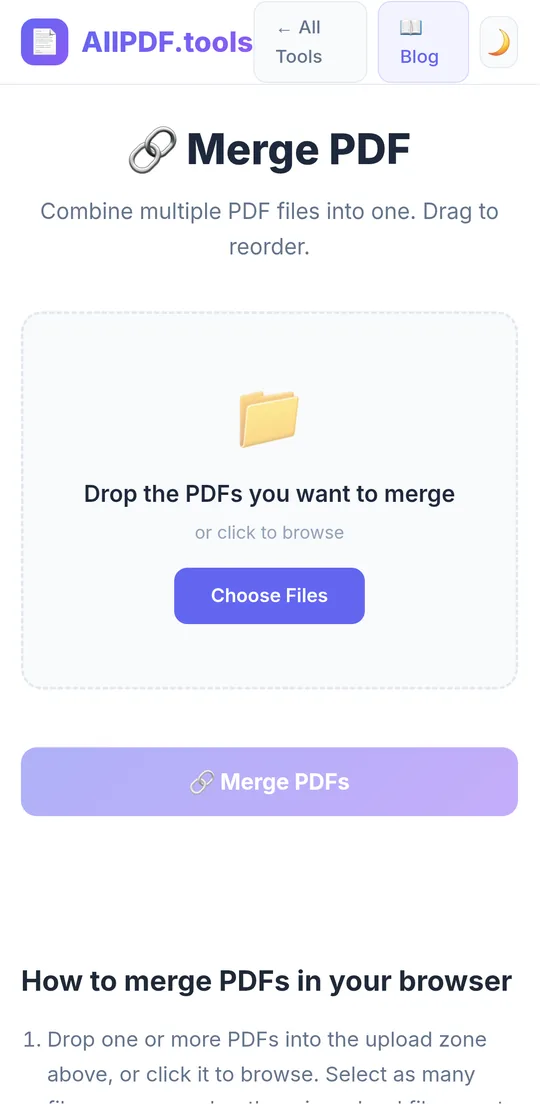
Combine files, extract page ranges, rotate, reorder by drag, delete and insert pages, crop, add page numbers, edit metadata.
Compress and repair
Three compression levels with a before-and-after size so you can pick the trade-off. Repair rebuilds damaged files that will not open.
Convert both ways
PDF to Word, Excel, PowerPoint, text and images. Word, Excel, PowerPoint and images to PDF. All of it in the browser.
OCR scanned pages
Turn a scanned PDF into searchable, selectable text with on-device recognition. Nothing is sent to a cloud OCR service.
Sign, edit, redact
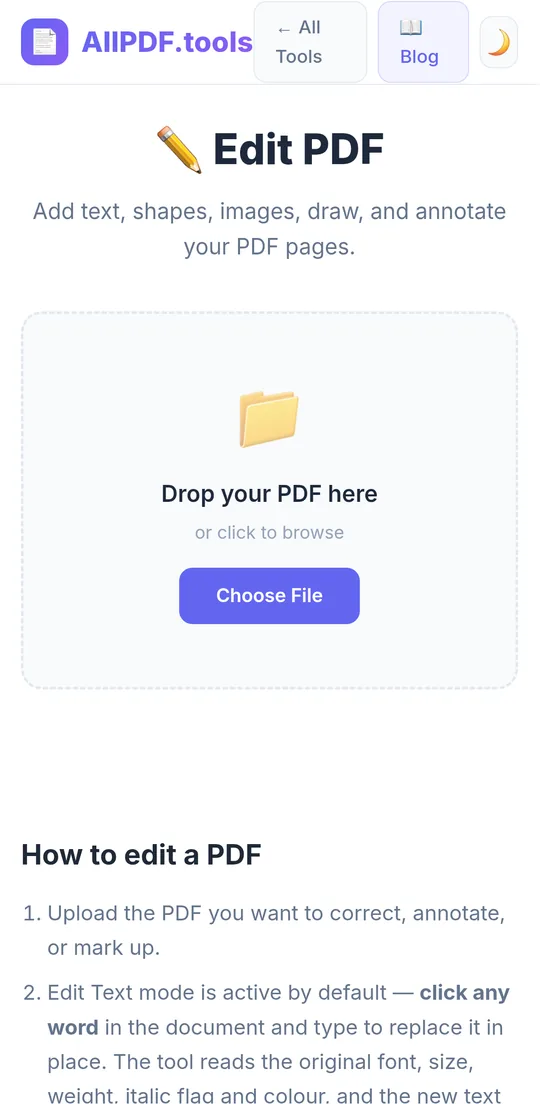
Draw or type a signature, edit text in place, annotate, and black out content properly so it is removed rather than hidden. These three are Pro tools.
Protect and flatten
Password-protect with AES encryption, watermark, flatten forms and annotations, fill PDF forms, and read PDFs in a built-in viewer.
Workspace
Load one PDF once, then chain rotate, crop, compress, page numbers and more without re-choosing the file or downloading between steps. Gone when you close the tab.
Document scanner (app)
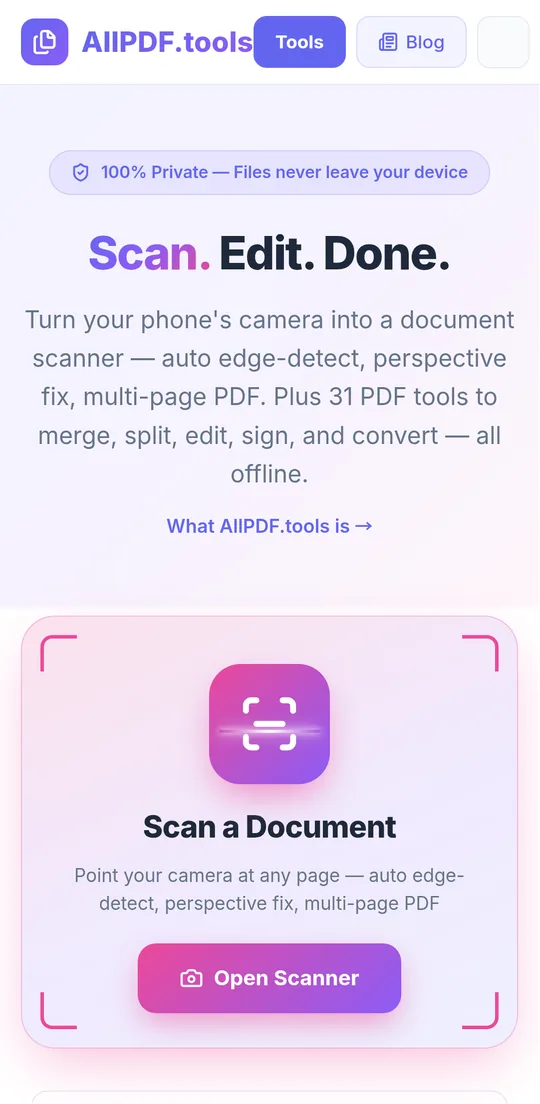
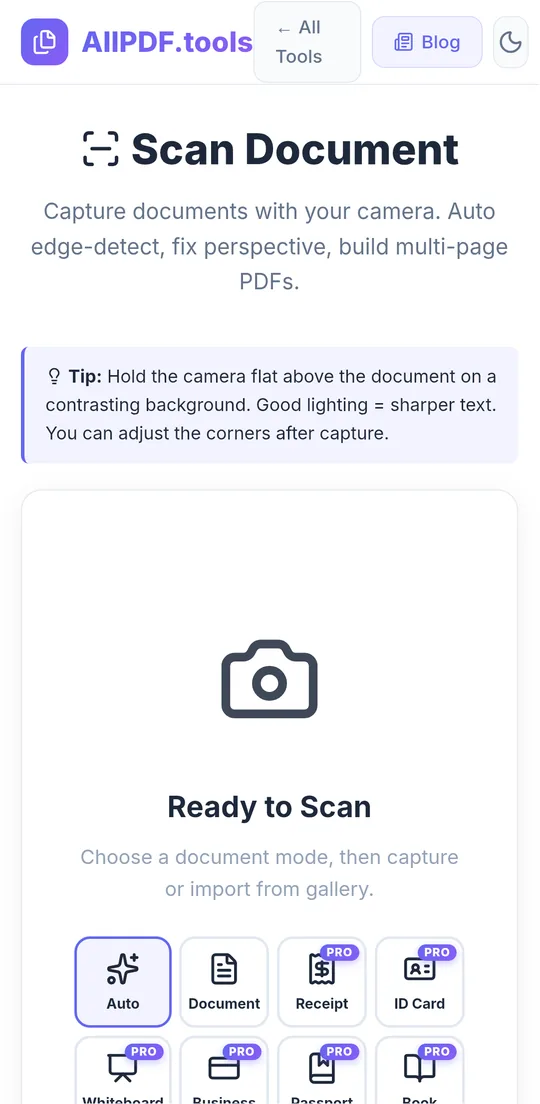
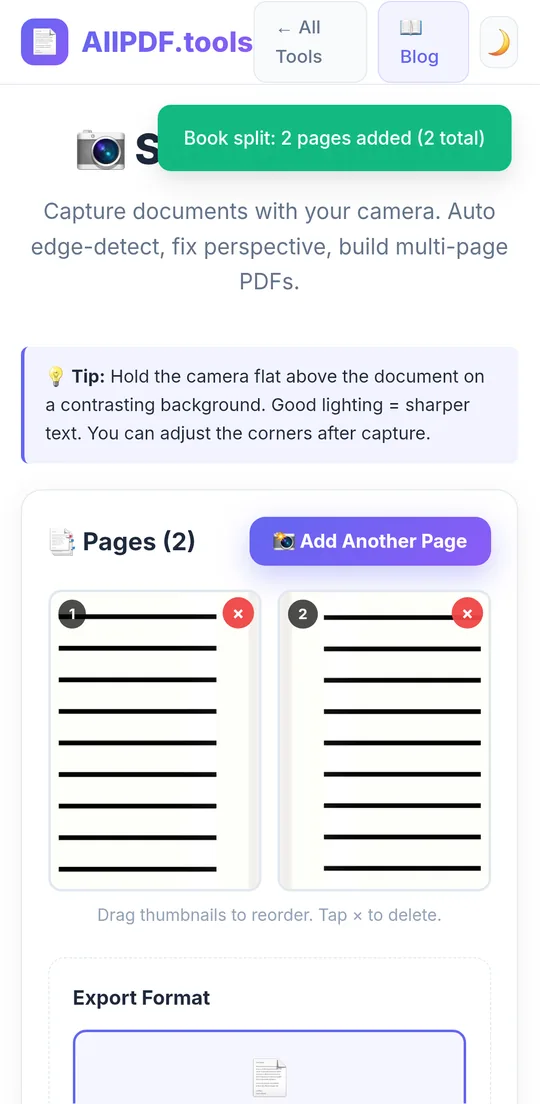
Point the phone camera at a page: automatic edge detection, perspective correction, draggable corners, filters, multi-page queue, export to PDF or JPG. Fully offline.
Passport photo maker
Crop and size a photo to passport and ID formats, then print-ready sheets. Everything stays on the device, like the rest of the site.
Same tools on the web and in the app.
The Android app wraps the very same client-side code, so a tool behaves identically whether you open it in Chrome or from the home screen. What differs is what surrounds it.
- The website is open to everyone and is supported by ads. It installs as a progressive web app and keeps working offline after the first visit.
- The Android app has no ads and no analytics. It adds the camera document scanner, opens PDFs shared from WhatsApp, email or a file manager, and saves to your Documents folder.
- Pro unlocks Edit, Sign, Redact, PDF to PowerPoint, the passport photo maker and the advanced scanner modes.
- Neither has a server. There is no account to create, and there is nowhere for your files to go.
The Android app, as it will ship.
Real captures from the current build on a phone.
Tax returns, contracts, medical reports. They stay on your device.
Every tool runs in the tab or in the app, on your device. Your documents are never uploaded, stored, indexed or cached by us, because there is no server to do it. The app has no ads and no analytics. The website is ad-supported and uses page analytics, which see pages, not files. The full policy covers both.
What you need.
- Website
- Any current browser: Chrome, Edge, Firefox, Safari, on desktop or phone
- Offline
- Installs as a progressive web app and keeps working without a connection
- Android app
- Android 6.0 or later, package
tools.allpdf.app - Download size
- About 9 MB
- Permissions
- Camera for the scanner, photos for importing images. Nothing else
- Ads
- Website: yes. App: none
- Privacy
- Read the policy
Straight answers.
Is it really not uploading my file?
Yes. Open the developer tools in your browser on any tool page and watch the network tab while you process a file: nothing carrying your document leaves. Or switch on airplane mode and use the tool. It works.
Why does the website show ads but the app does not?
Ads pay the website's hosting, and an ad on a page never sees the file you are working on. The app carries no ad network and no analytics at all.
What is in Pro?
Edit PDF, Sign PDF, Redact PDF, PDF to PowerPoint, the passport photo maker and the advanced scanner features: searchable OCR PDFs, live auto-capture, document modes, book mode, unlimited pages, multi-language OCR and password-protected scans. Every other tool has no limits and no watermarks.
When does the Android app arrive?
The build is finished and tested on real devices. It is going through the Google Play listing process now. Email support@jkcodes.app and you will get exactly one message when it is live.
Can I open a PDF from WhatsApp or email in the app?
Yes. The app registers as a PDF handler, so it appears in the Open with and Share menus of file managers, mail clients and chat apps.
How do I get support?
Email support@jkcodes.app with the tool you used, your browser or Android version, and what happened. Do not attach a confidential document unless you are comfortable doing so.
Try it now, in the browser you already have.
No install, no account. The Android app follows on Google Play.
Google Play and Android are trademarks of Google LLC. Word, Excel and PowerPoint are trademarks of Microsoft Corporation, used only to describe compatible file formats.